
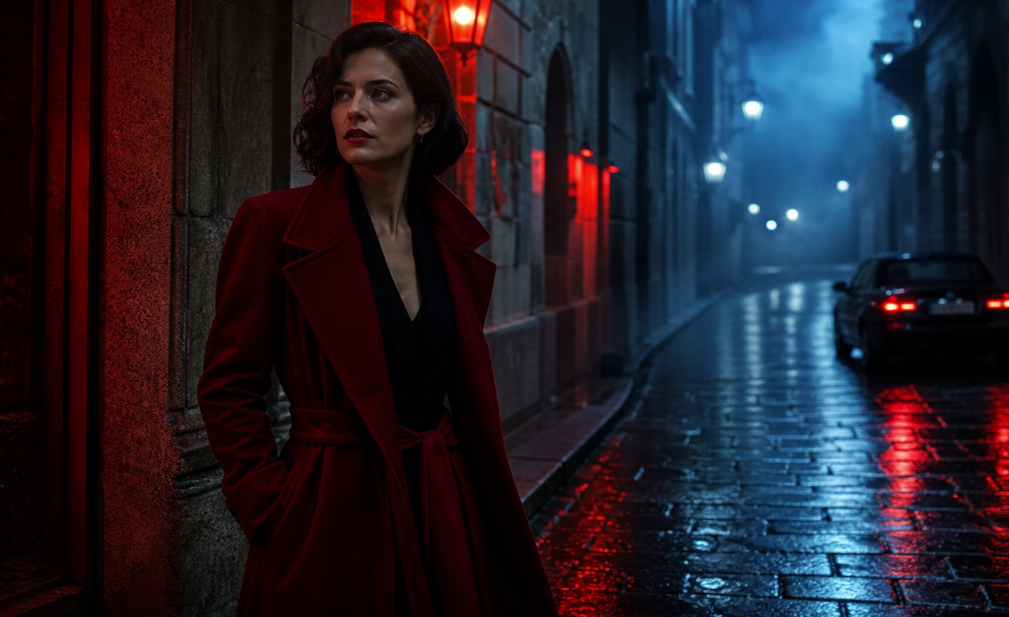
 BEFOREAFTER
Kodak Vision3 5219
Rainy Night Portrait
Create cinematic looks, fine-tune color parameters, and export professional LUTs in seconds.
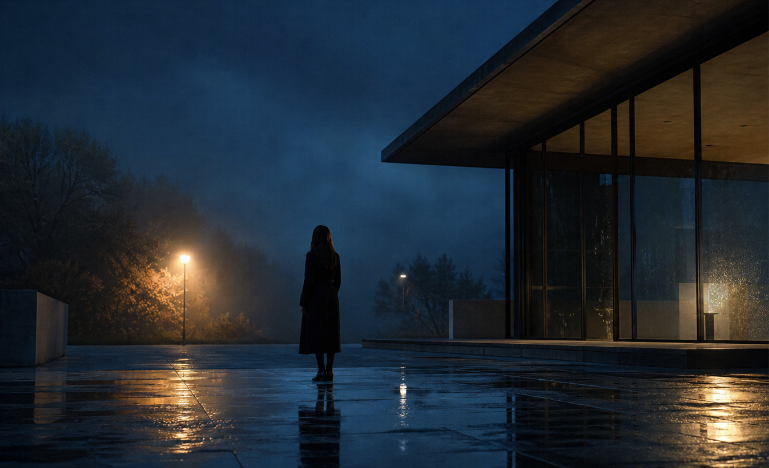
AI COLOR ANALYSIS
Cinematic LUT Preview
Why CineLook AI
CineLook reads the frame like a colorist: light, palette, contrast, and intent become a practical direction for cinematic grades.
Scene
Scene Intelligence
Film
Film Emulation
Professional
Professional Workflow
AI Analysis Panel
Lighting
Low-key exterior
Dynamic Range
Protected highlights
Color Temperature
Cool practicals
Film Match
Kodak Vision3 5219
Confidence Score
Film match stability
94%
Export workflow
Create cinematic looks in CineLook AI and move them into the tools you already use.
Before / After
Compare neutral source frames with cinematic grades designed for practical production workflows.
BEFOREAFTERRainy Night Portrait
HOW IT WORKS
One continuous path from source frame to export-ready color, designed for fast creative judgment.
01
Bring in a still, frame, or reference image from the project.
02
CineLook AI reads light, contrast, mood, and palette.
03
Shape a cinematic grade with film-aware color controls.
04
Save a LUT or graded preview for the post-production pipeline.
Built for every production
From intimate portraits to commercial productions, CineLook adapts its grade to subject, light, and visual intent.
 Portrait
Natural skin tones with sculpted, editorial contrast.
 Urban Night
Electric color separation for streets after dark.
 Landscape
Quiet blues, open highlights, and restrained saturation.
 Automotive
Polished reflections with deep, controlled blacks.
 Architecture
Precise geometry shaped by atmospheric light.
 Wedding
Soft highlight roll-off and luminous, elegant color.
LUT Gallery
A focused library of film-inspired looks for scenes, references, and production-ready color pipelines.
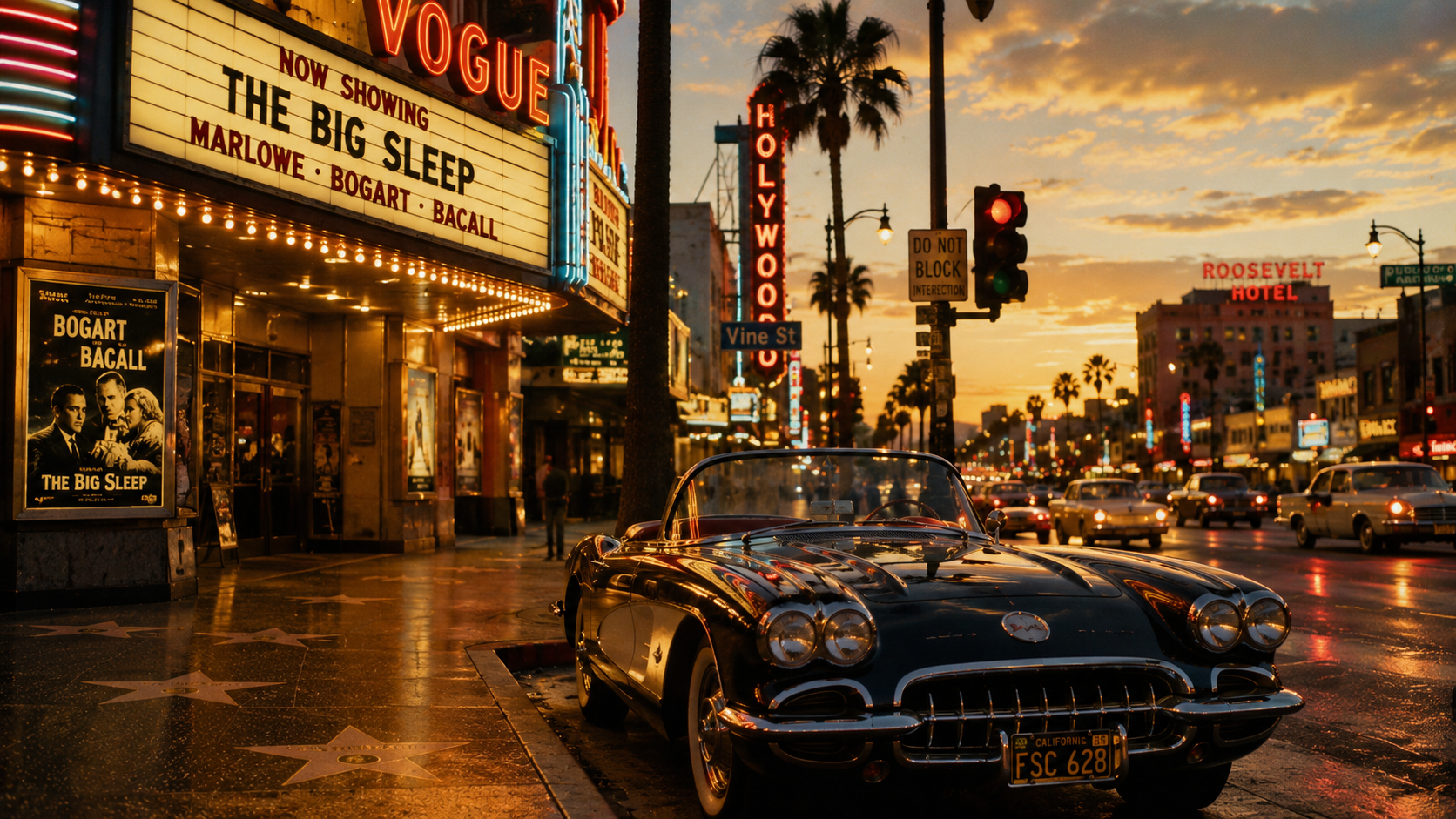
Hollywood Boulevard
Forest Dance

Old Town Elegance
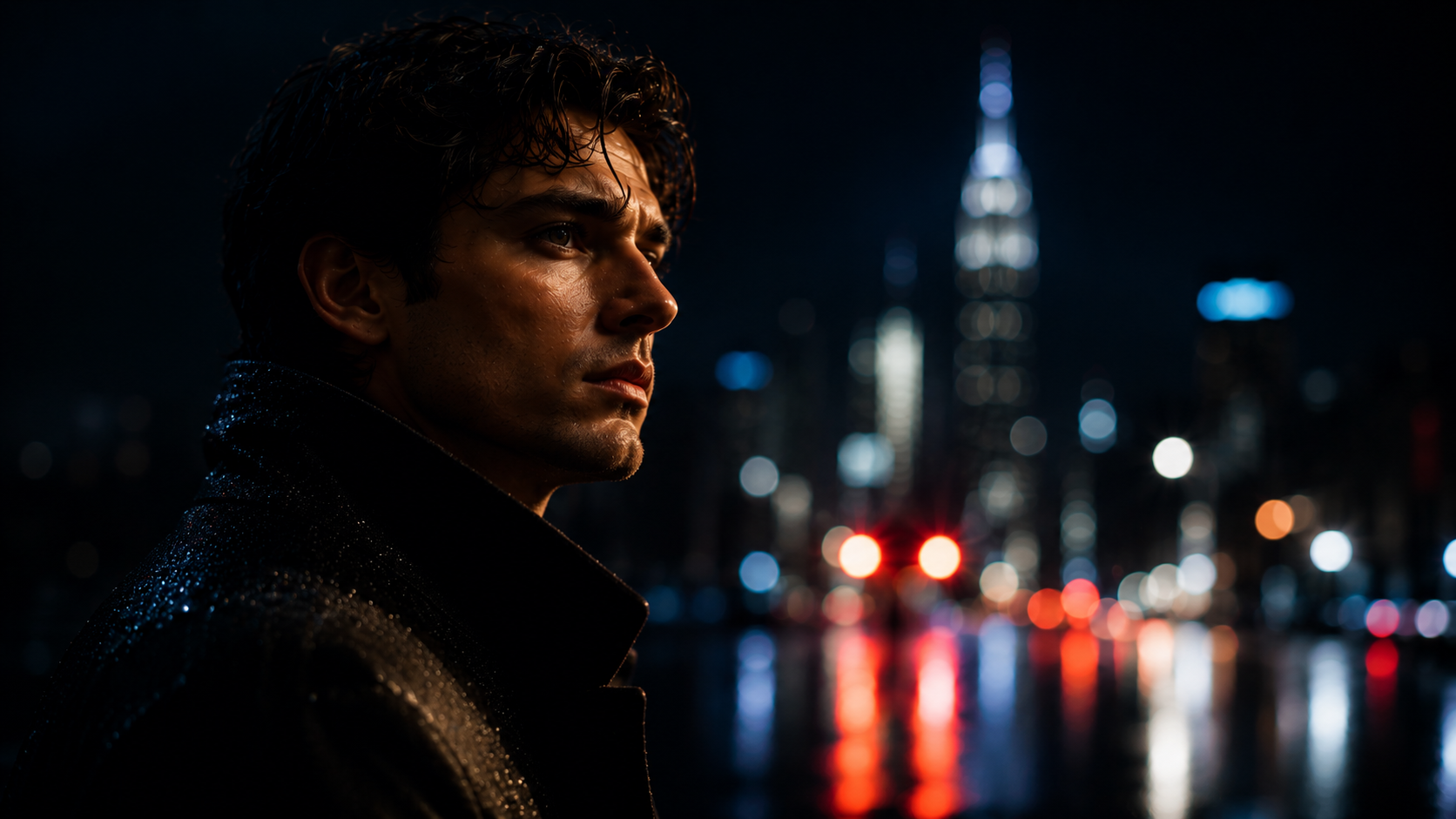
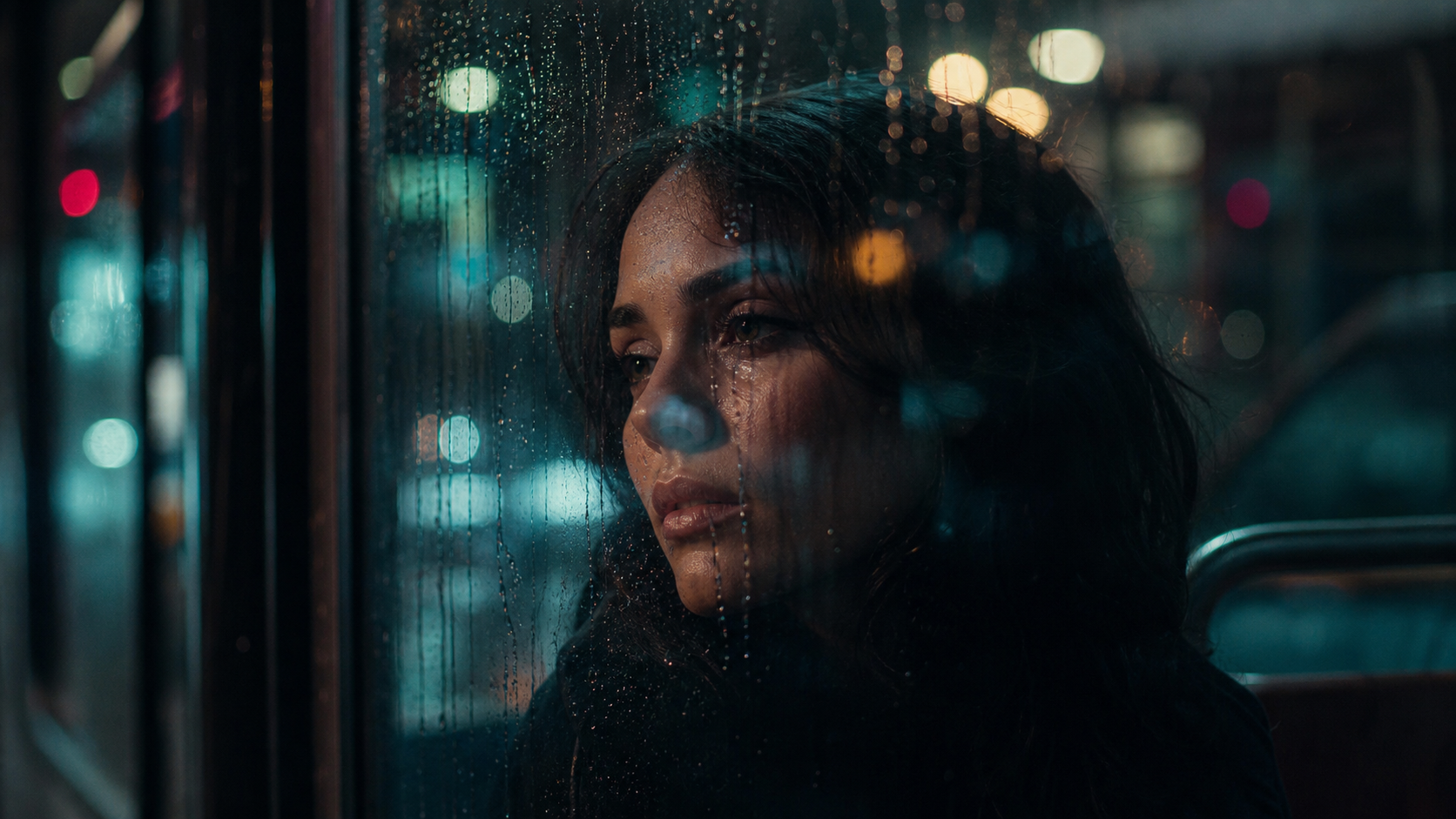
Rainy Night Portrait

Kyoto Morning pagoda

Storm Over the Cliffs
Pricing
Free preview access is available now. Pro and Studio are planned and not currently available.
Available now
For trying cinematic AI color grading.
$0
Planned
Planned Pro plan. Not currently available.
$9.99
/ month
Planned
Planned professional plan. Not currently available.
$19.99
/ month
FAQ
Everything you need to know before creating your first cinematic look.
CineLook AI supports image previews, PNG LUTs, and production LUT exports including .cube and .3dl.
Yes. Exported LUTs are designed for use in DaVinci Resolve and other professional editing tools.
CineLook AI is currently a free product preview. No paid commercial-use plan is currently available.
Uploads are handled as private project assets and are not published or shared publicly.
Yes. You can refine exposure, contrast, temperature, grain, halation, bloom, and other creative controls.